Can another team take over our old ERP?
This engagement began with limited internal knowledge and partial documentation. The team reconstructed business logic from the data layer and worked with the people running the business.


Case study · Freight & Logistics
The original CTO had left. Application support was no longer available. The business still depended on the system every day. Shinetech took over support and helped move operations to a cloud ERP without interrupting the business.
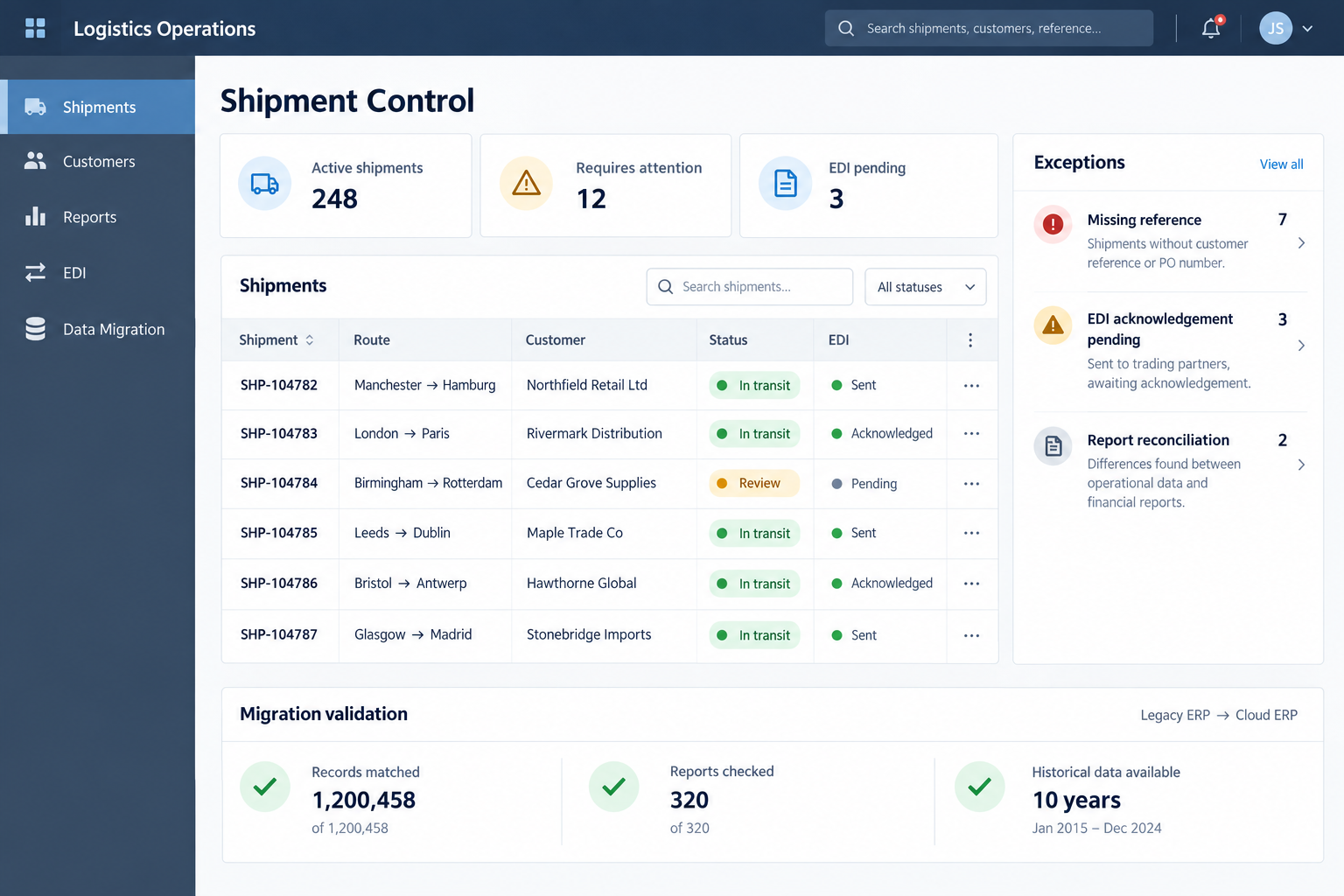
The situation
The client’s core ERP ran in a legacy AS/400 environment. Support for the application layer was no longer available, internal system knowledge was limited, and the original CTO had left after preparing handover documentation.
Nearly two decades of business logic were embedded in data structures, reports and operational workflows. Customer-facing web tracking, finance and logistics reporting, and EDI connections with customers and suppliers depended on this environment.
The immediate requirement was to take over day-to-day support and preserve continuity. Migration to a modern cloud ERP had to happen while the existing operation continued.
Recognise this situation?
This engagement began with limited internal knowledge and partial documentation. The team reconstructed business logic from the data layer and worked with the people running the business.
The two ERPs ran in parallel until the new environment was validated. Migration work, tracking enhancements and reporting support proceeded together.
An intermediate database bridged the ERPs. Historical data remained accessible, while reporting, tracking and EDI connections were mapped and validated.
Migration scope
This was a takeover followed by migration from a legacy ERP to a new cloud ERP. The work included data mapping, EDI migration, integration validation and cutover preparation.
The customer-facing web tracking and reporting platforms continued to operate and receive enhancements. Their data sources changed, but existing customer reports and tracking outputs were preserved. Historical records remained accessible through the intermediate database after the legacy licence was no longer renewed.
The phased approach allowed each stage to be validated before the next proceeded. The roadmap was built around the client’s existing business rules, reporting obligations and connected systems.
How the work unfolded
The team mapped the legacy system from its data layer without making code changes. Sessions with the CEO, sales directors and operations leads supplied business context that documentation alone could not provide.
Small reporting enhancements helped the team build familiarity. Daily overlap with the client was approximately three hours.
An intermediate aggregation database connected the legacy and new ERP environments. The team defined migration scope and data mappings and configured 500–600 report templates across finance, logistics and customer data.
Approximately half of this phase was devoted to data mapping and validation.
Both ERPs ran in parallel until the new system was confirmed stable against real production data. Data mapping, EDI migration and integration validation supported production cutover preparation.
Customer-facing tracking and reporting continued to run, with enhancements delivered during the migration. Each phase was signed off before the next, and production changes required validation.
After go-live, a stable embedded team continued .NET web tracking and reporting maintenance, feature iteration and EDI support for customer and supplier connections.
Later enhancement work included AI-assisted tools to reduce repetitive data-entry workload.
Risk controls
Mapping from the data layer and working with operational staff helped recover rules embedded in reports and workflows.
The intermediate database bridged both ERPs and retained access to historical records when the legacy licence was no longer renewed.
More than 500 report templates and related feeds needed mapping, validation and updates as their backend data source changed. Internal and external tracking outputs had to remain accurate.
Active customer and supplier connections could not be interrupted. EDI remained a parallel workstream throughout the migration.
The result
The approximately 12-month migration went live in July 2021 without interrupting business operations.
Existing reports and customer tracking outputs were preserved while backend data sources moved to the cloud ERP.
The team transitioned from migration delivery to ongoing tracking, reporting, EDI support and feature development.
For a similar decision
If your ERP still runs the business but the people who understood it have left, this case illustrates a starting point: understand the existing data and business rules, establish support, then plan the transition around live operations.
For a migration discussion, identify the workflows that must stay available, historical records that must remain accessible, and every report, tracking service and EDI connection that depends on the ERP. In this project, those dependencies shaped the phased roadmap and validation work.
Tell us about the system, who maintains it today, and the data and connections your business needs to preserve.
Discuss Your Legacy ERP