Can we modernise without making every branch learn a new interface?
UX continuity was a core requirement. The resulting transformation required no additional staff training.


Case study · Healthcare, retail
A retail pharmacy chain unified fragmented branch systems and manual after-sales workflows using .NET, Azure, Redis and SharePoint, preserving familiar interfaces across 50+ releases.
The situation
A large retail pharmacy chain needed to modernize fragmented legacy systems across HQ and multiple branches — without disrupting daily operations or retraining staff.
Recognise this situation?
UX continuity was a core requirement. The resulting transformation required no additional staff training.
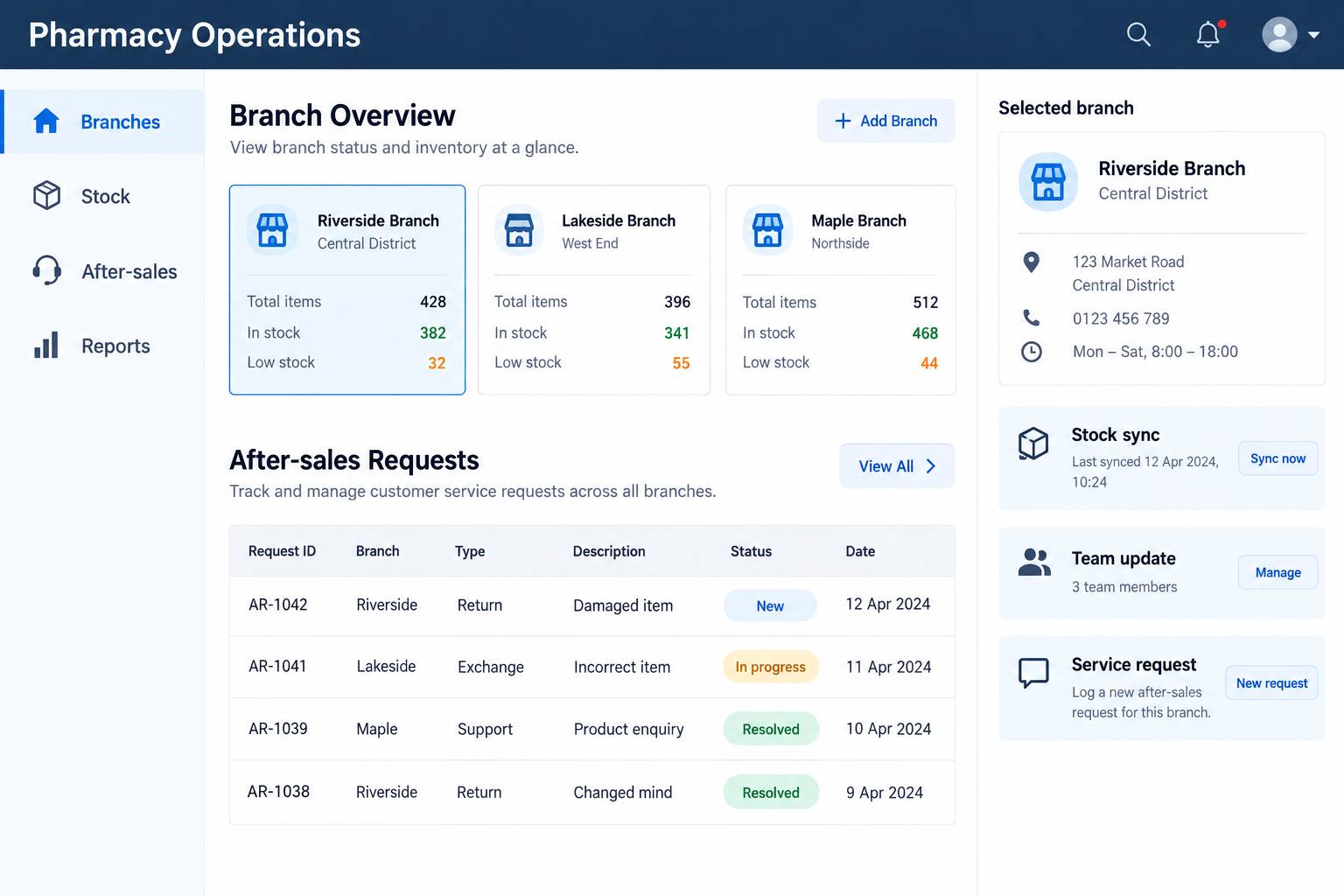
A centralised SharePoint-based platform replaced fragmented systems and enabled real-time communication across headquarters and branches.
A web-based after-sales system connected to the supply chain, supported by sprint-by-sprint updates and advance client notification.
The project approach
Product registration, inventory and staff management were spread across outdated systems. The solution combined a unified web-based architecture with familiar user interfaces. Delivery also included security penetration testing and modules for data integrity and reliability; on-site collaboration in Melbourne supported rollout.
A phased digital transformation replacing legacy systems with a unified, web-based platform built on modern architecture — maintaining UX continuity throughout.
How delivery was run
Key information
The result
Tell us which workflows cross headquarters and branches, where manual after-sales work accumulates, and which interfaces your staff need to keep.
Discuss Your Situation